
Golf Simulator Installation in Sydney and New South Wales
Bring golf into your home or venue with a setup planned around your space and how you want to play.
The Pop Up Golf supplies and sets up golf simulators for homes, garages, golf clubs and commercial venues. We can also assess equipment you already own, help with upgrades, or supply the components you need.
Send us a few photos, your location and any room measurements you have. We’ll discuss the options and the next steps.
⭐⭐⭐⭐⭐
5-Star Google Reviews
Trusted by event organisers across NSW
We’ll respond within two business days to discuss your space, requirements and next steps.
Custom Fit
|
Clean Cabling
|
Calibration
|
Ongoing Management
|
Custom Fit | Clean Cabling | Calibration | Ongoing Management |
A setup for your home or business
Golf clubs and indoor golf venues
Discuss a bay for practice, lessons, social play or competitions. Equipment selection depends on the information you need, expected use, software requirements and the space available.
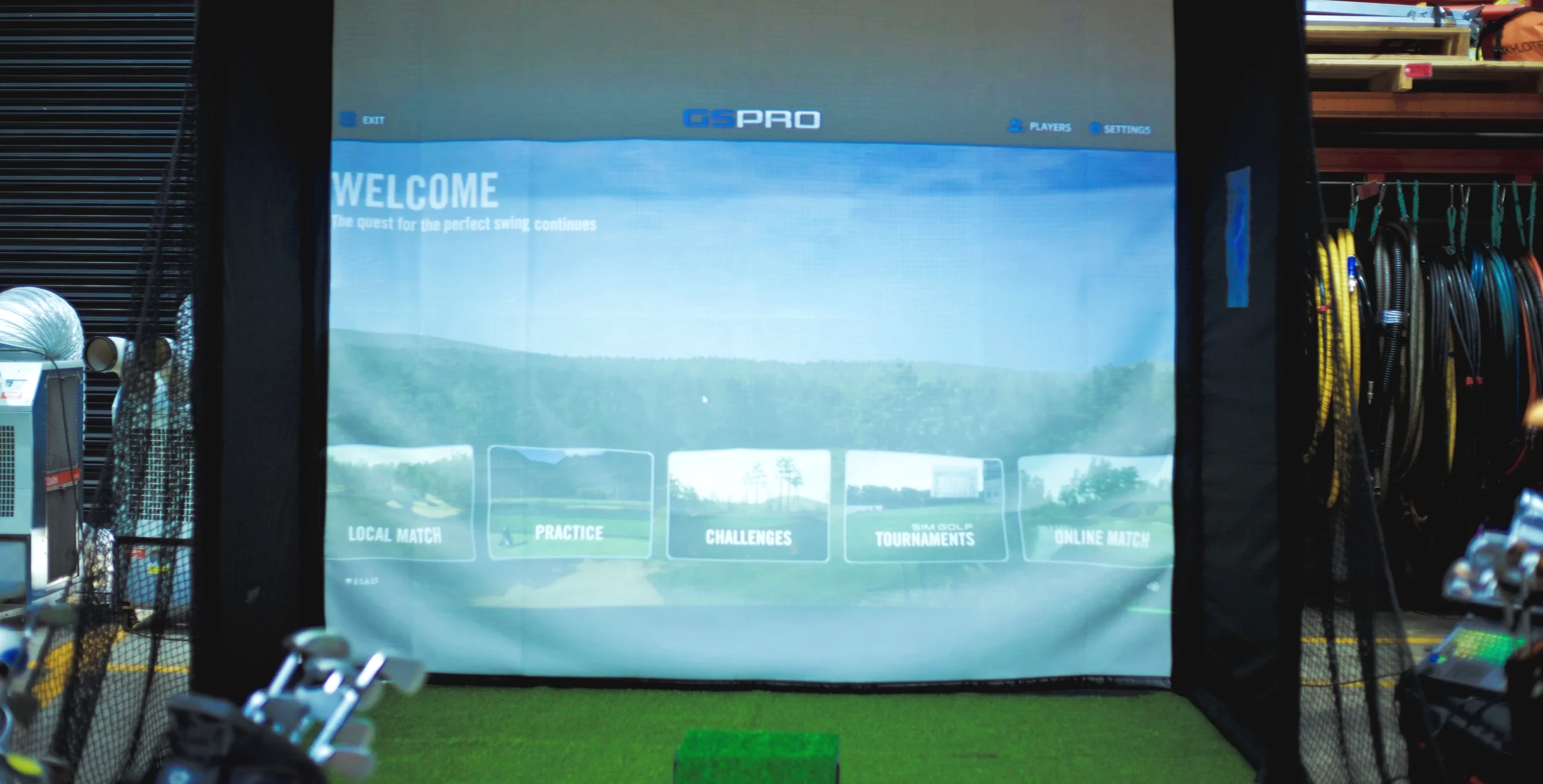
Offices, hotels and entertainment venues
Plan golf around your customers, staff and opening hours. We consider player access, waiting areas, supervision and the steps your team will follow to operate the equipment.
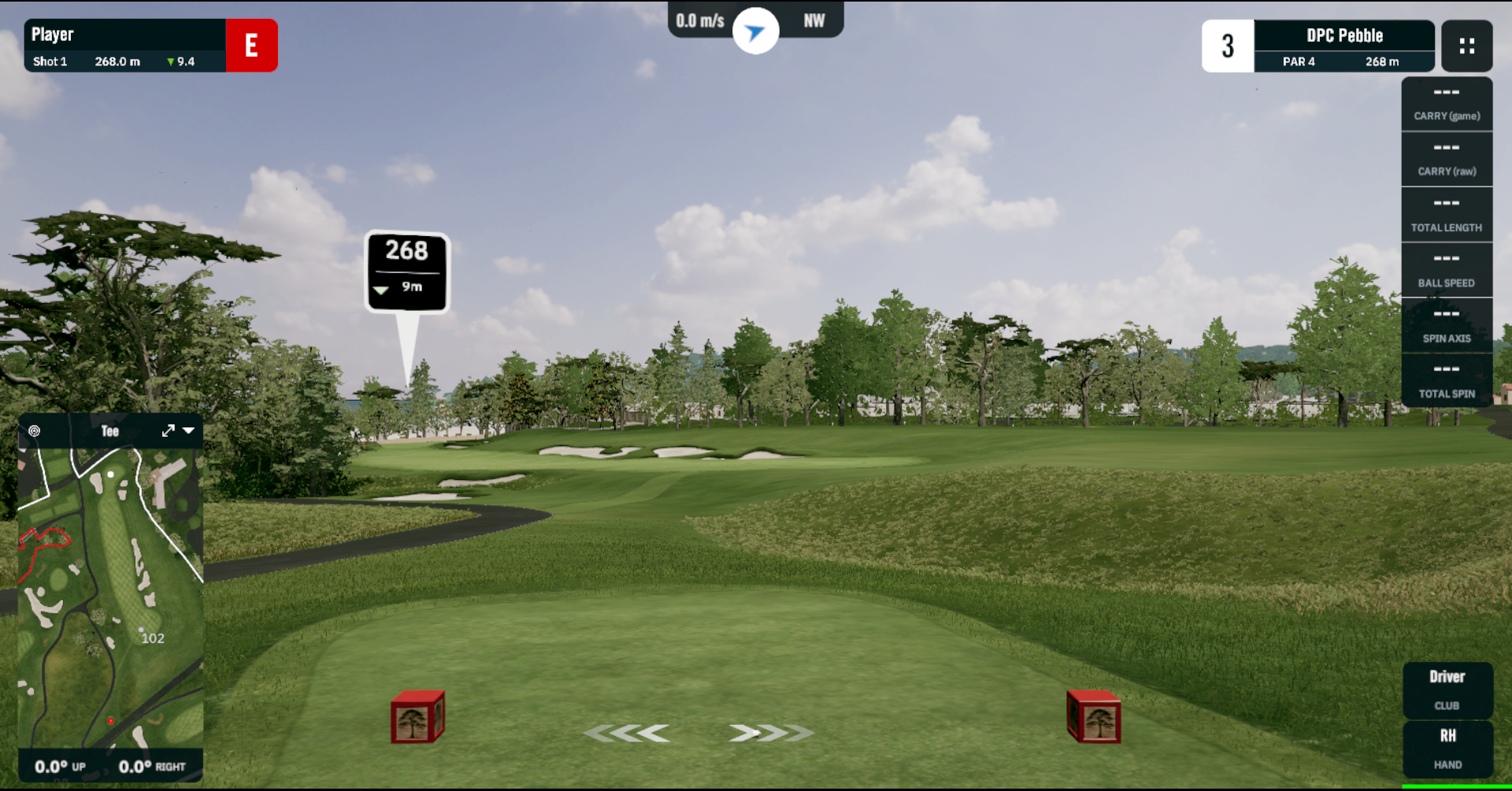
Homes and Garages
Practise, play with friends or make golf part of a room you use for other activities. We consider the available space, storage, lighting and how the setup needs to fit around everyday use.
Design
Supply
Install
Support
Choose the help you need
Complete supply and setup: We recommend a compatible equipment combination and quote the supply, assembly, configuration and handover work your project needs.
Customer-owned equipment: Send the model numbers and photos of what you already have. We’ll assess compatibility and identify any missing components before agreeing to the work.
Upgrades and maintenance: Discuss a screen, projector, launch monitor or computer upgrade, software configuration or maintenance of an existing setup.
Equipment supply only: We can quote equipment without an installation service. Let us know which components you need and how you plan to use them.
Your written quote identifies what is included. Depending on the project, that may cover the enclosure and impact screen, hitting mat and turf, launch monitor, projector, computer, software setup and owner or staff training.
Electrical work, structural alterations and other work requiring licensed trades are assessed separately. We identify those requirements during planning and confirm who will contract for and carry out the work before proceeding.
A setup for your home or business
A setup for your home or business
What A System Includes
We build systems as a complete environment. The best simulator setups feel effortless for customers and easy for staff to run.
Core build
Enclosure / safety structure: side and top protection designed for real-world miss-hits
Impact screen: sized correctly, tensioned properly, and aligned for clean projection
Projector + mount: positioned to avoid shadows and maximise image quality
Turf system: stance mat + hitting area selected for wear resistance and joint comfort
Launch monitor: matched to space and required accuracy level
Computer compatibility: performance requirements confirmed for your chosen software
Software setup: play modes, practice modes, session flow, and basic configuration
Venue reliability upgrades
Cable management and protection: reduced trip hazards, fewer accidental disconnects
Operational layout: where customers stand, where spectators sit, and how staff supervise
Light control recommendations: reduce washout, improve contrast and readability
Safety zones and signage guidance: simple rules that prevent incidents and downtime
Quick-start workflow: make it usable for first-timers in under 60 seconds
Optional enhancements
TV display for leaderboards / viewing
Audio integration
Branding and sponsor visuals around the bay
Multi-bay consistency setup (same feel and settings across bays)
A recent garage golf simulator setup
Behind everything we do is a team of people who truly care. We bring our full selves to the table—open-minded, collaborative, and ready to make something great.



Cost for golf simulator installation
Your total cost depends on your space, your usage volume, how premium you want the fit-out, and the technology tier you select. These ranges help you shortlist.
Essential Commercial Setup | $5,000 – $10,000+
Best for single-bay installs with straightforward requirements.
Focus: safe build, reliable operation, strong value.
Performance Venue Setup | $10,000 – $20,000+
Best for clubs, studios, and venues where accuracy and presentation matter.
Focus: better image quality, stronger durability, cleaner finish, higher confidence in data.
Premium / Multi-Bay / High-Traffic Setup | $20,000 – $40,000+
Best for indoor golf centres, entertainment venues, and hospitality sites.
Focus: uptime, consistency across bays, fast customer onboarding, and a polished “premium” look.
Common cost drivers
Ceiling height and mounting constraints
Lighting challenges and washout risk
Bay size, screen size, and structural protection level
Multi-bay builds and shared infrastructure
Desired realism and accuracy tier
Finish level (cabling concealment, venue aesthetics)
How Our Systems Are Tested
We validate installs the same way your customers will use them: real swings, real traffic, real lighting.
1) Safety and containment testing
Confirm screen tension and side/top containment
Validate miss-hit coverage for your environment
Verify safe zones for players and spectators
Confirm mount security for all overhead hardware
2) Visual quality and readability checks
Projector alignment, focus, and geometry
Brightness and contrast checks under your lighting
Glare, shadow, and washout mitigation recommendations
Target readability testing from the hitting position
3) Accuracy and consistency checks
Launch monitor alignment and level validation
Test reads across club types (wedges through driver)
Identify and fix misread patterns where possible
Confirm stable connections and reliable session flow
4) Operational simulation for staff
Run a “busy venue” workflow: new user onboarding, session reset, player rotation
Create a simple operating checklist to reduce staff training time
Confirm fast recovery steps if something disconnects
5) Handover pack
Quick-start guide for staff
Basic troubleshooting steps
Maintenance guidance for high-use environments
Recommended upgrade path if you expand bays later
Ready to install a simulator that looks, feels and is premium?
Submit your details and we’ll send a site-matched recommendation with the right build tier for your venue.
Frequently Asked Questions
-
We install golf simulators across Sydney, NSW, and can also deliver Australia-wide installs depending on scope and scheduling.
-
We supply and install complete golf simulator systems, including the enclosure, impact screen, projector, turf, launch monitor, and software setup. We can also assess and integrate existing gear when it makes sense.
-
Yes. We design and install home golf simulators for garages, spare rooms, sheds, and covered outdoor areas. We tailor screen size, projector placement, safety protection, and user experience so that you’re absolutely satisfied.
-
We install commercial systems for golf clubs and driving ranges, indoor golf centres, hotels and resorts, corporate offices and business campuses, sports academies, and bars, restaurants and entertainment venues.
-
Yes. We can configure practice modes, skills challenges, gapping sessions, and competition formats. For venues, we also optimise settings for fast onboarding and reliable session flow.
-
We support the major simulator software options and recommend the best fit based on your goals. We configure your system for smooth practice sessions, coaching workflows, entertainment, or competition play. Just let us know what you want out of your golf sim install when you enquire.
-
We recommend launch monitors based on budget, space constraints, data requirements, and your goals. We explain the trade-offs clearly so you get the accuracy you need without overspending.
-
Yes. We design and install multi-bay simulator builds for indoor golf centres, clubs, and venues. We focus on consistent bay sizing, reliable connections, fast resets, and a repeatable staff workflow.
-
Pricing depends on your space, whether it’s home or commercial, your accuracy requirements, and the finish level. We quote based on a complete design so you know exactly what is included.
-
Yes. We offer servicing and a monthly support retainer for troubleshooting, software guidance, and system health checks. This is built for venues that need uptime and home users who want ongoing support.